
01
Choose a photo
Use a clear front-facing portrait, a photographed document or a PDF first page.
IDPhotos / Browser-local photo tools
Change backgrounds, crop to spec, build print sheets, scan documents and meet file limits in your browser.
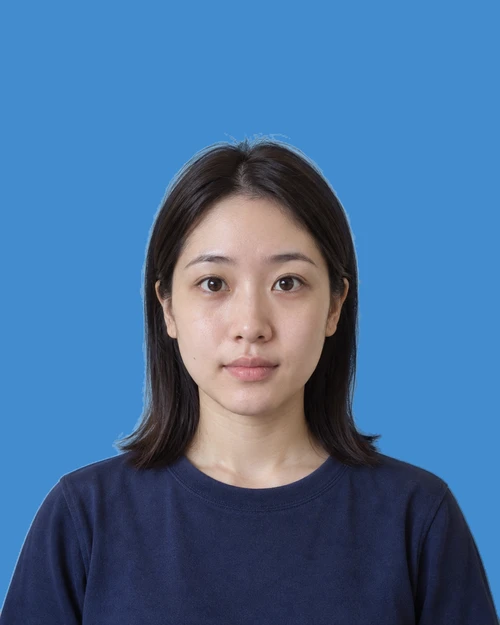
Changing size previews the frame only. Make and check the final file in Studio.
Fictional AI sample. The new background was made with IDPhotos' actual local processing pipeline.
No sign-up. Selected photos are processed in your browser and are not uploaded.
Start with the requirement you received. IDPhotos helps with the production steps while you keep the final decision.
Use a clear front-facing portrait, a photographed document or a PDF first page.
Set the background, crop, pixels, physical size, DPI, layout or file ceiling you need.
Check the final dimensions and appearance, then save the image or PDF directly to your device.
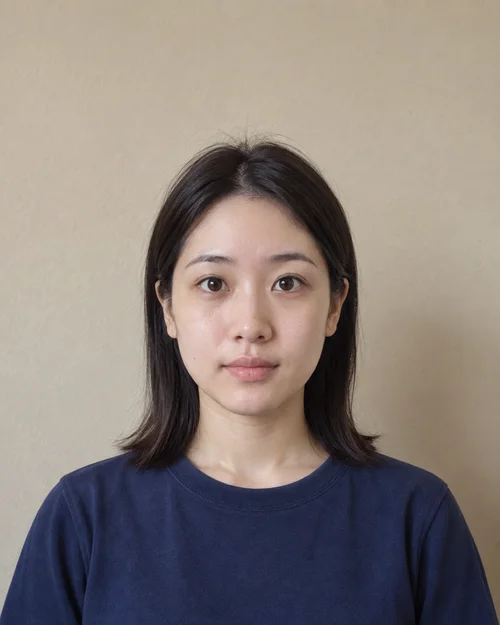
Start with an ordinary portrait. Cut out the subject, choose a background and finish at the size you need.
A browser-run MODNet model separates the subject while keeping the original file on your device.
Apply white, blue, red or a custom colour after the cut-out is ready.
Face detection provides a starting point, with manual positioning and size controls left to you.
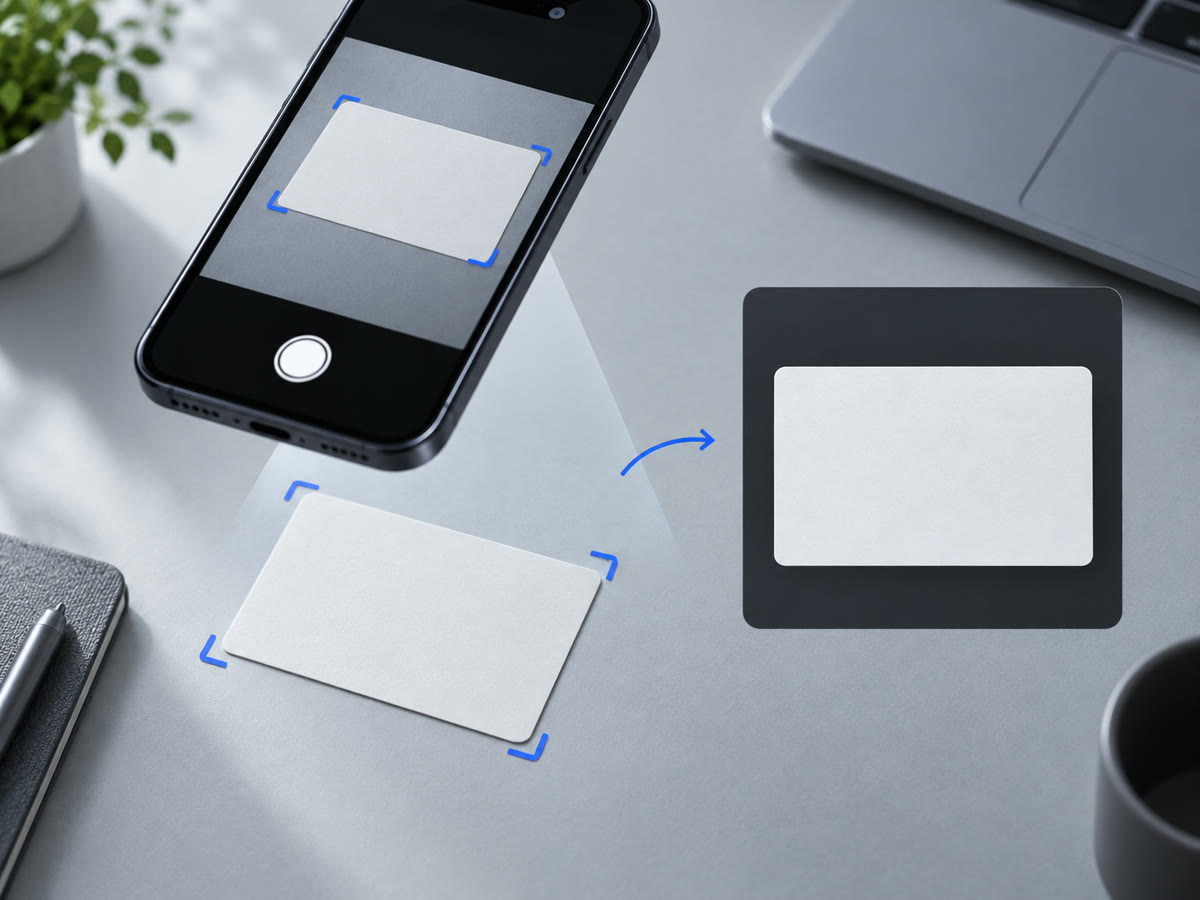
Mark four corners, correct perspective and prepare a clean image or PDF.
Drag each corner to match the photographed document.
Choose scan, copy or enhanced output and rotate as needed.
Export a single result or place it onto supported paper.
Add a purpose note before sharing sensitive copies.
Browse built-in photo, paper, layout and document presets, or save a custom specification on this device.
Frames share one scale. The fictional portrait illustrates shape only; check the final file against the receiving authority.
Prepare exact output properties instead of accepting a generic download that may not match the receiving portal.
A balanced 4 × 2 illustration of the built-in 1-inch template, using a fictional portrait. Studio may arrange the eight photos differently; preview your final sheet there.
Use pixel dimensions or physical units and keep the intended print density explicit.
Set a byte ceiling for supported formats and block downloads that cannot meet it.
Tile one or more photo sizes onto supported paper with gaps and cut guides.
Pick an output that matches your submission or print workflow.
The app may download its model and runtime. Your selected photo still remains inside the browser-local workflow.
The selected file is decoded and transformed by browser APIs on your device.
The public Studio and Scanner do not send selected photos to our server.
A result is saved only when you explicitly download it to your device.
Use the same local toolkit for portraits, print sheets and photographed documents, while following the latest recipient rules.
Set pixels, background, DPI and a byte ceiling from the school notice.
Prepare front-facing photos for forms and exam portals.
Start from a preset, then confirm current rules with the receiving authority.
Correct photographed cards or pages and export them as images or PDF.
Prepare a portrait in the Photo Studio, or correct a photographed document in the Scanner.
Face detection only assists cropping. IDPhotos does not change facial features or guarantee acceptance.